What RAM Does - and What It Doesn't Do
RAM stands for RAM - it's the phone's short-term working memory. When you open an app, it gets loaded into RAM so the processor can access it quickly. The more RAM a phone has, the more apps it can keep in an active, ready state at the same time.
When RAM fills up, the phone has to close background apps to make room. You've probably noticed this: you switch back to an app you were using earlier and it reloads from scratch instead of picking up where you left off. That's a RAM limitation in action.
What RAM does not do is store your photos, music, or app data long-term. That's storage's job. RAM is temporary - it wipes clean every time you restart your phone. If you've ever read that closing background apps saves battery or speeds up your phone, that's largely a myth. Common smartphone myths like this one persist because they feel intuitive, even when the underlying logic doesn't hold up.
Match RAM to Your Multitasking Habits
If you regularly switch between email, navigation, streaming, and messaging all in the same session, look for at least 8 GB of RAM. If your phone use is more focused - one or two apps at a time - 6 GB is typically plenty and you won't notice the difference in practice.
Storage: Where Your Stuff Actually Lives
Internal storage is the phone's long-term memory - where every photo, video, downloaded app, and file lives permanently until you delete it. Storage capacity is measured in gigabytes (GB) or terabytes (TB), and unlike RAM, it doesn't reset when you power off.
Most phones today ship with 128 GB as a baseline, which is workable for average users. But if you shoot a lot of 4K video, download podcasts and playlists for offline listening, or install many large games, you'll fill that space faster than you might expect. A one-minute 4K video clip can easily consume 400-500 MB depending on frame rate and quality settings.
Some phones allow storage expansion via a microSD card slot; many modern flagships do not. Cloud storage services can help, but they require a consistent internet connection and often a subscription for meaningful capacity. For a plain-language comparison of how these storage types interact, see our breakdown of internal memory, RAM, and cloud storage.
400-500 MB
Storage used per minute of 4K video
Approximate file size based on standard 4K/30fps recording, which varies by codec and device manufacturer settings.
128 GB
Most common baseline storage on new phones
128 GB has become the standard entry-level storage tier on mid-range and flagship smartphones as of recent product generations.
4-12 GB
Typical RAM range in modern smartphones
Budget phones generally ship with 4 GB while flagship models commonly offer 8 to 12 GB or more, according to general market observations.
The Processor: The Phone's Engine
The processor - also called a chip or SoC (System on a Chip) - is the component that runs every calculation your phone performs. It controls how fast apps open, how smoothly video plays, how quickly photos are processed, and in large part, how efficiently your battery is used.
Modern smartphone chips pack multiple processing cores: some optimized for heavy tasks (performance cores), others for background efficiency (efficiency cores). They also include a dedicated graphics processor for visual rendering and increasingly, a neural processing unit (NPU) designed to handle AI-driven features like voice recognition and camera scene detection.
Processor generations matter more than raw clock speed (measured in GHz). A newer chip built on a smaller manufacturing process - say, 4nm versus 7nm - typically handles more operations per second while consuming less power. That directly affects battery life, heat, and how long the phone remains usable as apps grow more demanding over time.
It's also worth noting that how well a processor performs depends heavily on the software it's paired with. A phone running a well-optimized operating system can feel faster than a device with superior specs but inefficient software. This is why some mid-range phones punch above their weight in real-world use. The same principle applies when comparing connectivity: software and hardware working together is what separates a smooth 5G experience from a disappointing one.
Reading a Spec Sheet Without Getting Misled
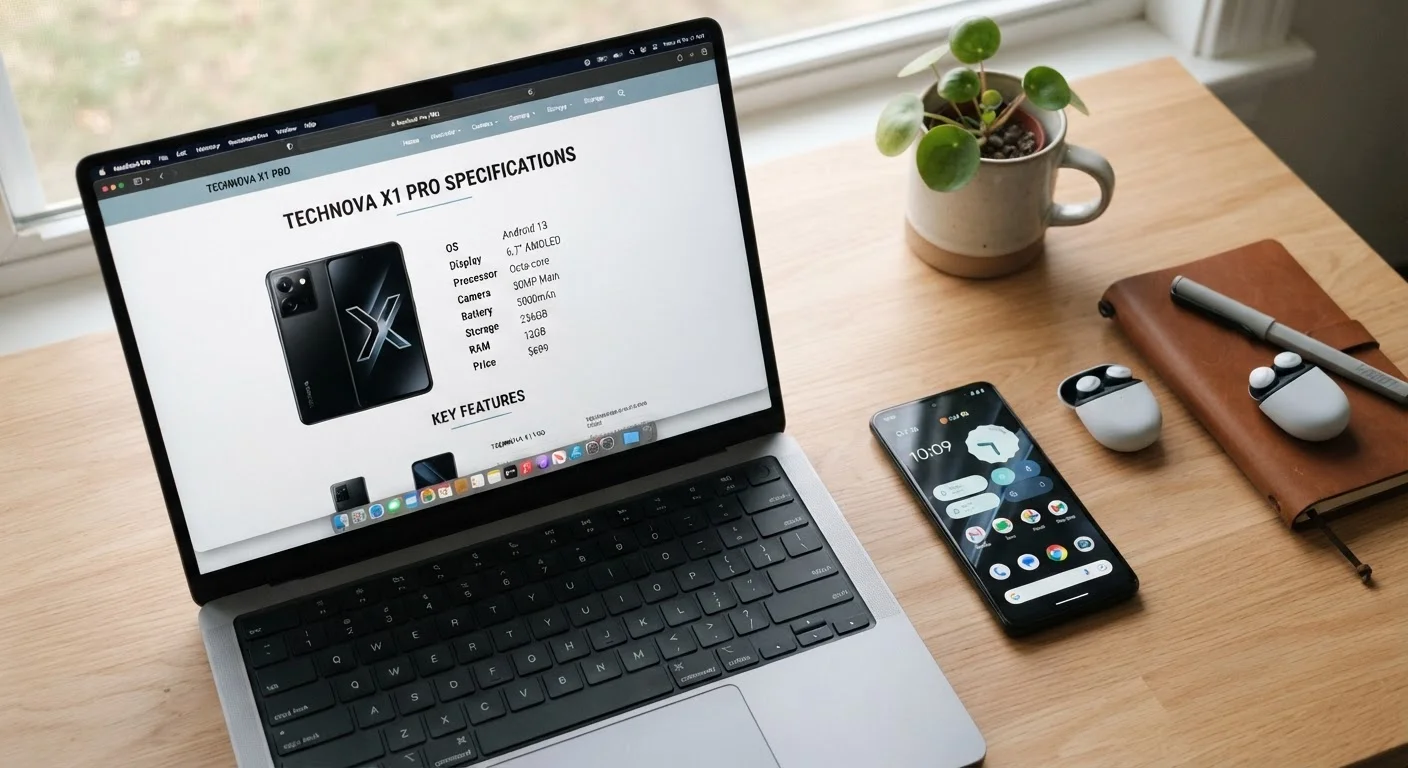
Spec sheets are designed to impress at a glance, not to tell the whole story. A phone with 12 GB of RAM and a high-core-count processor sounds compelling on paper - but if the software is poorly optimized or the battery is undersized, those numbers mean little in daily life.
A more useful approach: think about your actual usage patterns. Do you frequently switch between many apps? RAM matters more. Do you store large media libraries locally? Prioritize storage. Do you play graphically intensive games or rely on your phone for navigation and streaming all day? Processor efficiency and battery capacity deserve the most attention.
Specs like screen technology and camera sensor size also affect the experience significantly and don't always show up prominently in the headline numbers. Our guide to what smartphone camera specs actually mean walks through a similar myth-busting exercise for photo hardware. And if you want to squeeze more out of whatever phone you already own, there's likely more capability hiding in your phone's settings menu than most users ever discover.