How Your Phone Chooses a Network
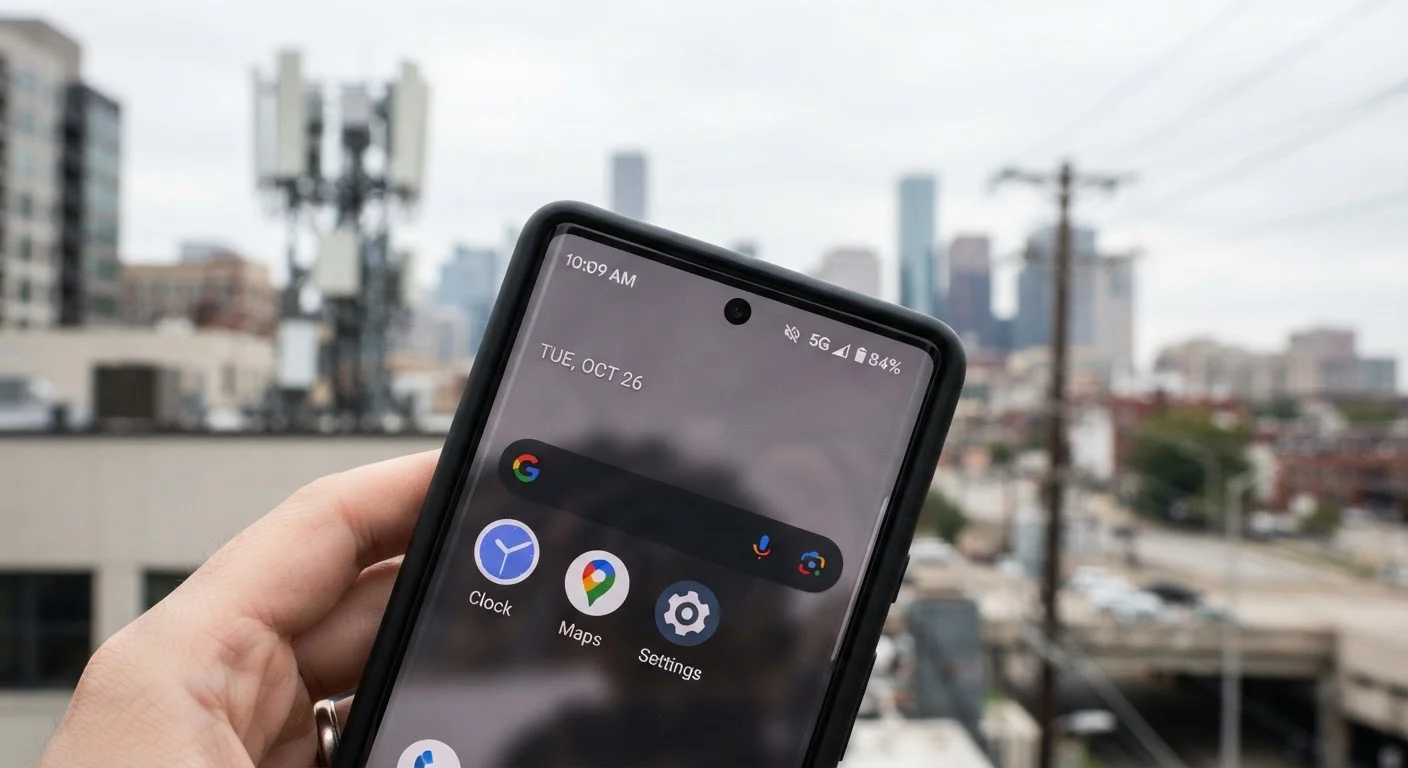
Every modern smartphone carries a radio that continuously scans for available signals. When you power on, your device reads its SIM card to identify your carrier, then searches for towers broadcasting that carrier's network identifiers. It connects to the tower offering the strongest usable signal, not necessarily the nearest one.
From there, the phone monitors signal quality on an ongoing basis. If the current tower's signal weakens - because you've walked into a building or driven down a highway - the device begins measuring nearby towers. When a better option crosses a threshold defined by the network, the phone executes a handoff: it transfers the active connection to the new tower, typically in milliseconds. For data sessions and calls that are already in progress, this process is designed to be invisible. When it works well, you never notice it happened.
Your phone also navigates between frequency bands within the same network. Low-frequency signals travel farther and penetrate buildings better. High-frequency signals - including much of 5G's mmWave spectrum - carry more data but have shorter range. A single carrier operates across several bands simultaneously, and your device shifts between them based on what's available and what your activity requires. For a deeper look at the towers and infrastructure making this possible, see how cell tower infrastructure works.
What Roaming Actually Means
When your carrier's own towers aren't available - in a rural area, for example - your phone may connect to a partner carrier's network instead. This is roaming. Your SIM still identifies your account; the partner network simply agrees to carry your traffic and bills your carrier for it.
In the US, domestic roaming is included in most postpaid plans at no extra charge. However, carriers can and do limit roaming data speeds or deprioritize roaming traffic. If you're on a prepaid or budget plan, roaming terms vary considerably - worth checking before you travel to areas with patchy coverage.
International Roaming Works Differently
While domestic roaming is usually covered by your plan, international roaming almost always involves separate fees or add-ons. Your phone may connect automatically to a partner network abroad, but that connection can result in significant charges if you haven't reviewed your plan's international terms. Always confirm your carrier's international roaming policy before traveling outside the US.
International roaming follows the same basic principle - connecting to a local partner carrier abroad - but the cost structure is almost always different. Most US plans either charge daily roaming fees, offer country-specific add-ons, or throttle speeds abroad without an add-on. For a full breakdown, see how international roaming billing and speeds work.
Wi-Fi Calling: What It Is and When It Helps
Wi-Fi calling is a feature supported by most modern smartphones and carriers that routes voice calls - and sometimes SMS messages - over an internet connection instead of a cellular tower. When enabled, your phone uses whatever Wi-Fi network it's connected to as the transmission path for your call.
This matters most in locations where cellular signal is poor but internet access is available: basements, dense office buildings, or rural homes with broadband but weak cell coverage. Rather than struggling with a one-bar cellular connection, the phone offloads the call entirely to Wi-Fi. From the caller's perspective, the call looks and sounds like any other call.
One practical detail: emergency calls made over Wi-Fi calling may handle location data differently than standard cellular calls, depending on your carrier and device. It's worth knowing how your specific setup handles this. For a side-by-side comparison of when each mode performs best, see Wi-Fi calling vs. standard cellular.
Enable Wi-Fi Calling in Weak Signal Areas
If your home or workplace has weak cellular reception but a solid Wi-Fi connection, turning on Wi-Fi calling in your phone's settings can meaningfully improve call reliability. The option is typically found under Phone or Connections in your settings app. Most carriers support it at no extra cost on compatible devices.
Reading the Experience: What These Mechanics Mean for You
Most connection management is automatic, but understanding what's happening helps you make sense of real-world problems. A call that drops while you're driving usually reflects a handoff that didn't complete cleanly - often in areas where tower coverage is sparse or where the network switches between 4G and 5G. Slow data in a crowded venue often reflects network congestion rather than a coverage gap.
Your plan's terms matter here too. MVNOs (virtual carriers) lease access to major networks, so their users often share the same towers - but roaming access and deprioritization rules can differ. Before committing to a plan, it's worth reviewing coverage terms in the areas you actually use your phone. Our checklist for evaluating mobile plans covers what to look for. You can also dig into network-related settings on your device - your phone's settings menu contains tools most users have never opened.
~35%
US adults who have experienced dropped calls in the past month
According to Pew Research Center survey data on mobile phone experiences in the United States.
Milliseconds
Typical time for a tower handoff to complete
Modern LTE and 5G networks are engineered to execute handoffs in under 50 milliseconds under normal conditions.
100+
Countries where major US carriers have roaming agreements
Major US carriers maintain partner agreements across most of the world, though speeds and costs vary significantly by destination.