
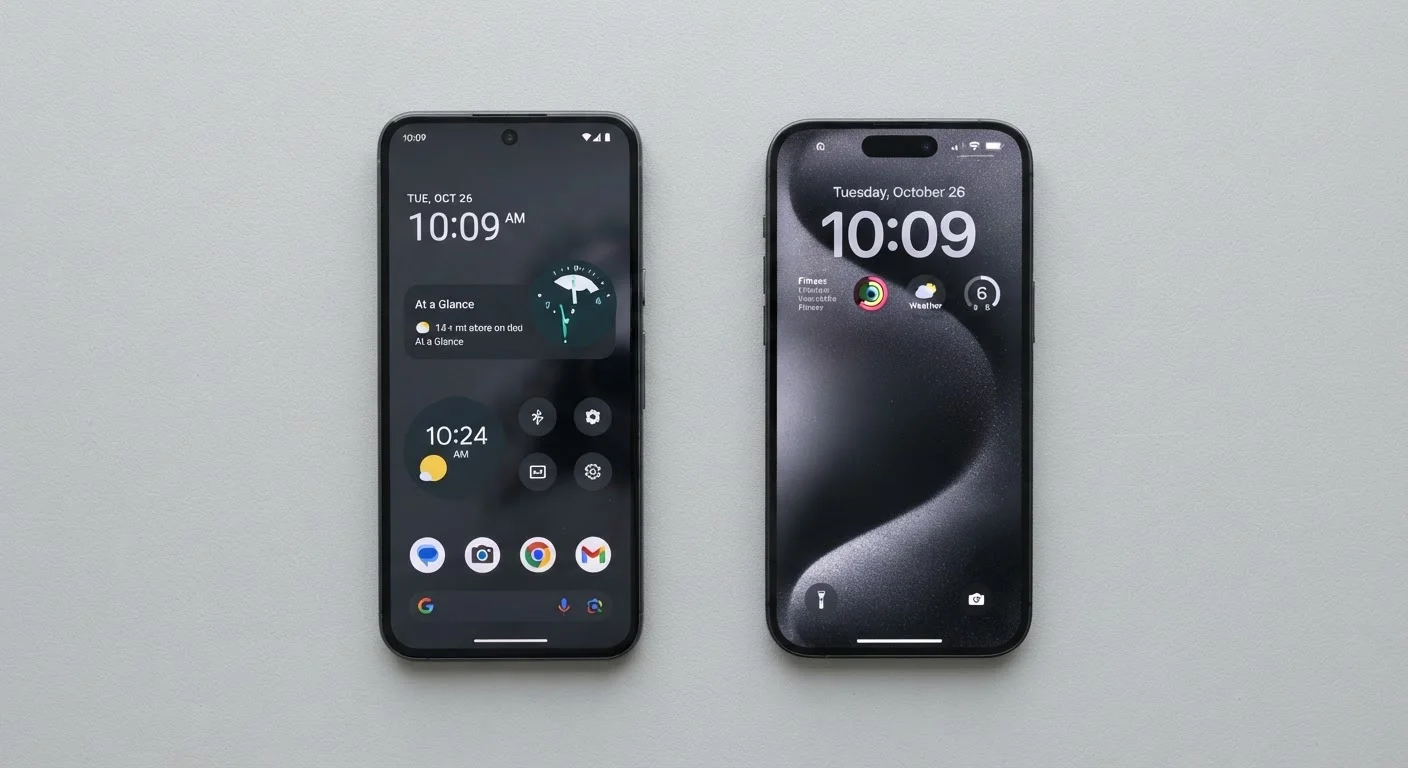
What Is a Mobile Operating System, and Why Does It Matter?
A mobile operating system - or mobile OS - is the software layer that runs everything on your smartphone. It manages your apps, controls how your screen looks and responds, handles security, and connects you to networks and services. Think of it like the engine under the hood: you rarely see it directly, but it shapes every interaction you have with your device.
In the United States, two platforms dominate: Android, developed by Google, and iOS, developed by Apple. Together they power well over 99% of smartphones in use. Understanding how they differ helps you make a smarter choice when buying a phone - and helps you get more out of the one you already have. If you're newer to smartphones overall, our practical primer on smartphone ownership is a good companion read.
Hardware: Open Ecosystem vs. One Manufacturer
One of the most fundamental differences between Android and iOS is who makes the devices that run them. Android is an open-source platform, meaning Google makes it available to other manufacturers. Samsung, Motorola, Google itself, OnePlus, and dozens of other companies all ship Android phones at price points ranging from under $100 to over $1,000.
iOS, by contrast, runs exclusively on iPhones made by Apple. You cannot install iOS on a non-Apple device. This means Apple controls both the hardware and the software, which has practical consequences: iPhone performance tends to be more predictable across models, while Android experiences can vary significantly depending on the manufacturer.
This hardware difference also affects storage options and repairability. Some Android phones still support expandable storage via a memory card slot - a feature iPhones have never offered. For a plain-language breakdown of how storage types compare, see our guide on internal memory, RAM, and cloud storage.
Customization and User Control
Android gives users considerably more control over how their phone looks and behaves. You can change the default browser, email app, or voice assistant to a third-party option. You can install custom launchers that completely overhaul the home screen layout. Sideloading - installing apps from outside the official app store - is permitted, though it carries security risks.
iOS takes a more restricted approach. Apple curates the App Store tightly and limits how much users can change core system behaviors. That said, recent iOS versions have opened up somewhat, allowing some default app changes. The trade-off is real: tighter controls generally mean fewer opportunities to accidentally install something harmful, but also fewer options for personalization.
| Android | iOS | |
|---|---|---|
| Hardware availability | Many manufacturers, wide price range | Apple only (iPhone) |
| Customization | High - default apps, launchers, sideloading | Limited - curated, consistent experience |
| Software update speed | Varies by manufacturer and carrier | Direct from Apple, typically faster |
| Update support duration | Typically 2-4 years (varies widely) | Often 5-6+ years |
| App store control | Moderate - sideloading permitted | Strict - App Store only by default |
| Ecosystem integration | Google services; varies by device | Tight Apple device integration |
Software Updates and Long-Term Support
Apple typically supports iPhones with software updates for five to six years after release, sometimes longer. This is possible because Apple controls both hardware and software, so updates can be pushed directly to users without going through a carrier or manufacturer first.
Android updates are more complicated. Google's own Pixel phones receive updates promptly and for several years. But for most other Android devices, updates must pass through the device manufacturer - and sometimes the carrier - before reaching users. This can mean delays of months, or updates that never arrive at all for older models.
Software updates aren't just about new features. Security patches address real vulnerabilities that attackers can exploit. Our article on why software updates matter explains what actually changes with each release and why skipping them can be risky.
Privacy and Security
Both platforms have invested heavily in security, but their philosophies differ. Apple has positioned privacy as a core brand value, with features like App Tracking Transparency - which requires apps to ask permission before tracking your activity across other apps and websites. iOS apps face strict review before appearing in the App Store.
Android's open nature means a wider range of apps reach users, which requires more vigilance. Google has improved Play Store screening significantly, and Android includes robust permission controls, but the fragmented update landscape (described above) means some devices take longer to receive security fixes.
For practical habits that apply to either platform, our guide on keeping your smartphone secure covers lock screens, app permissions, and other steps worth taking regardless of which OS you use.
It's also worth separating fact from fiction: some widely held beliefs about smartphone behavior - on both platforms - don't hold up under scrutiny. Our piece on common smartphone myths addresses several of them directly.