What's Actually Inside a Software Update
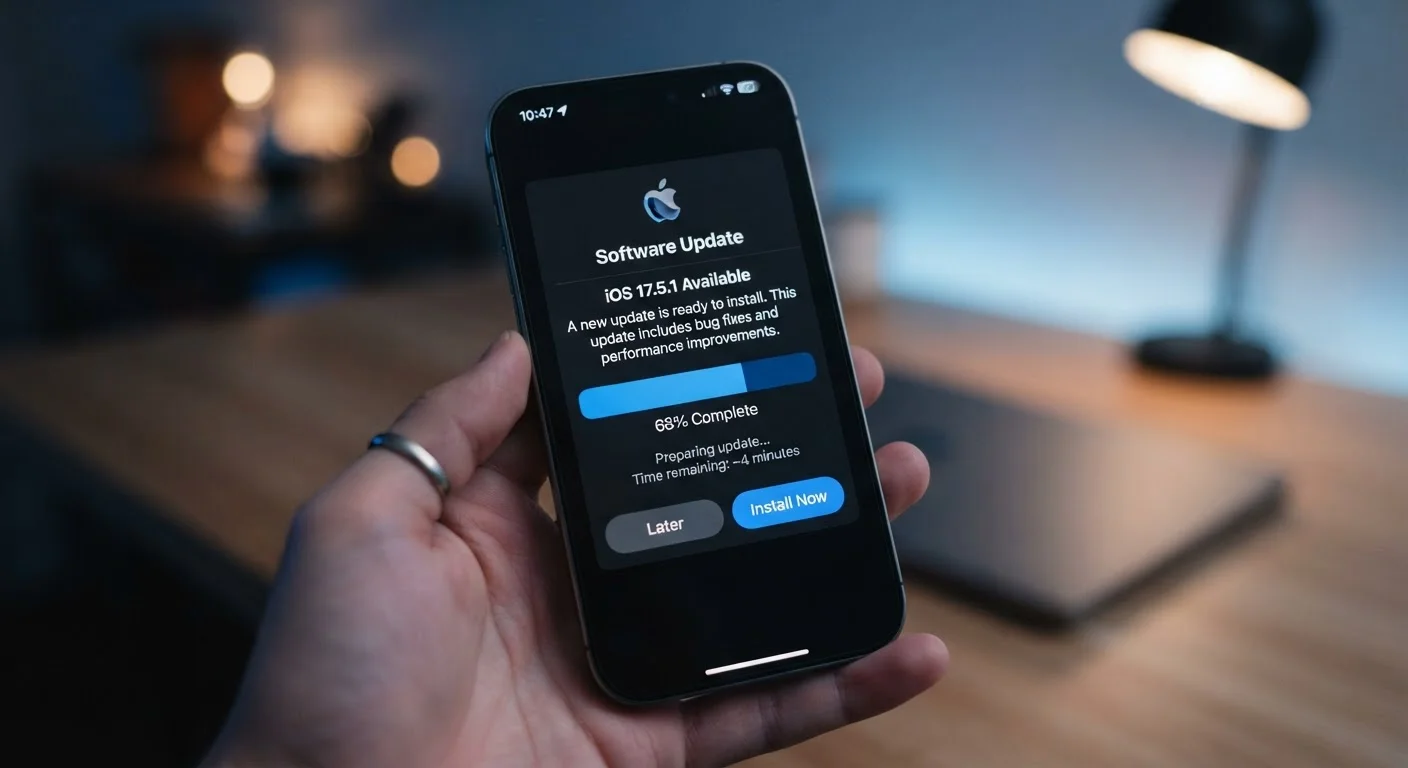
Most people picture software updates as minor housekeeping - a few tweaks under the hood. In reality, a single update package can contain dozens of individual fixes, and some of those fixes address vulnerabilities that researchers have already seen exploited in the wild.
Updates generally fall into three categories:
- Security patches: Close specific holes in the software that could allow unauthorized access to your data, camera, microphone, or accounts.
- Bug fixes: Correct unintended behavior - crashes, battery drain, Wi-Fi disconnects, and app instability that users have reported.
- Feature and performance changes: Introduce new tools, update existing ones, or optimize how the OS manages memory and processing.
Security patches are the most time-sensitive. When a vulnerability is publicly disclosed, it becomes a roadmap for anyone attempting to exploit unpatched devices. The window between disclosure and exploitation can be measured in days.
Why Waiting to Update Is Riskier Than It Feels
The "I'll do it later" instinct is understandable. Updates interrupt what you're doing, occasionally require a restart, and sometimes change interface elements you've grown used to. But that convenience trade-off has a real cost.
When a vulnerability is discovered, security researchers typically notify the software maker privately so a patch can be prepared before details become public. Once the patch ships and the vulnerability is disclosed, every device still running the old software becomes a known target. Attackers scan for exactly this gap.
Enable Automatic Updates to Remove the Decision
Both Android and iOS allow you to enable automatic updates, usually under Settings > General > Software Update (iOS) or Settings > System > Software Update (Android). Turning this on means your phone installs security patches overnight when it's charging, so you don't have to remember or decide. It's the single easiest habit that keeps your device protected.
This dynamic means the risk of staying unpatched actually increases after a patch is released - not before. A device that hasn't updated becomes easier to target, not harder. For a broader look at security habits worth building, see our guide on keeping your smartphone secure.
Android and iOS Update Updates Differently
How quickly an update reaches your phone depends heavily on which platform you use.
Apple controls the full software stack for iPhones, which means updates deploy directly to supported devices at the same time. When Apple releases a patch, iPhone users worldwide typically see it the same day.
Android works differently. Google releases security patches monthly for the Android platform, but those patches have to be adapted by individual device manufacturers - Samsung, Google's own Pixel line, Motorola, and others - before they reach your phone. Some manufacturers are faster than others, and carriers occasionally add another layer of review before an update is pushed. The result is that two Android phones bought the same week can be running security patches that are months apart.
This fragmentation is one of the most significant structural differences between the two platforms. Our article comparing Android and iOS side by side covers the full picture if you want to understand how these ecosystems differ beyond updates.
What Happens When Updates Stop Coming
Every device has an end-of-support date - the point at which the manufacturer stops releasing software updates for that model. After that date, any newly discovered vulnerabilities remain permanently unpatched.
This doesn't mean the phone stops working immediately. It means the phone becomes progressively less safe to use for anything sensitive. Banking apps, email, stored passwords, and health data are all at greater risk on a device that no longer receives patches.
7 years
Update support guaranteed for Pixel 8 and later
Google announced seven years of OS and security updates for its Pixel 8 series, setting a new benchmark for Android longevity.
5-6 years
Typical iPhone software support window
Apple has historically supported iPhones with OS updates for approximately five to six years after the original release date.
Manufacturers publish end-of-support timelines, though they are not always prominently advertised. Apple has generally supported iPhones for five to six years. Google guarantees seven years of updates for its Pixel 8 series and later. Android devices from other manufacturers vary widely - which is worth checking before purchasing a phone you intend to use for several years.
If you're curious about what other less-advertised details shape your phone ownership experience, our piece on overlooked phone settings is worth a look - and for things carriers don't always make clear upfront, see what carriers don't spell out when you sign up.