Why Small Habits Add Up to Big Damage
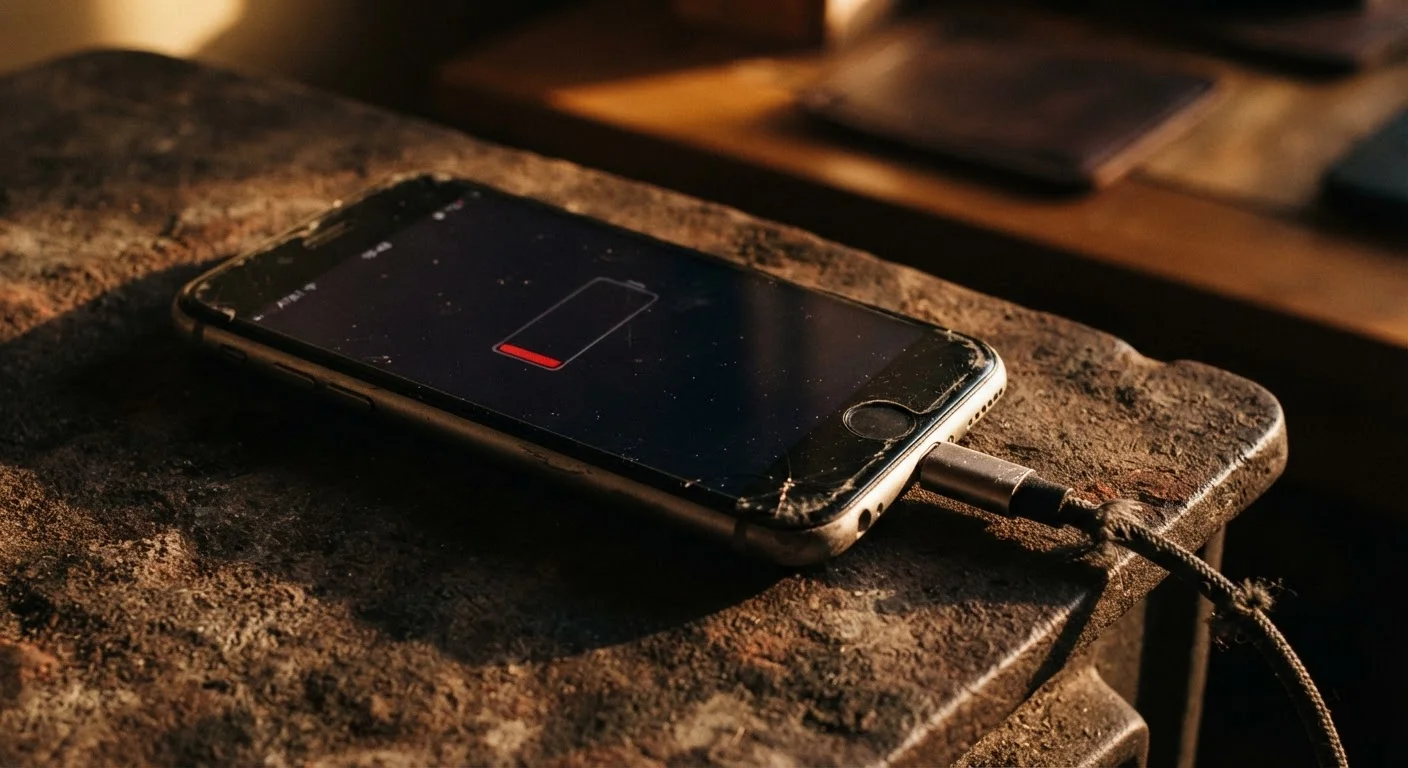
Most people don't drop their phone off a building or submerge it in water. The damage that actually shortens device lifespans tends to be quieter - the result of everyday routines repeated thousands of times over months and years. Heat exposure, charging patterns, physical pressure, and software neglect are among the leading culprits.
Understanding the mechanics behind the damage helps make the habits easier to change. Your phone is built around components - especially the battery - that have finite tolerance for stress. Once that tolerance is exceeded repeatedly, performance drops and repair costs rise. For a fuller picture of why batteries decline even under normal use, see why phone batteries degrade over time.
Leaving your phone in direct sunlight or a hot car for extended periods.
Why it happens: It's easy to forget the phone sitting on a car seat or by a sunny window - out of sight, out of mind.
Routinely charging your phone to 100% and letting it drain completely to 0% before recharging.
Why it happens: Many people grew up with older battery technologies that actually benefited from full charge cycles. That guidance doesn't apply to the lithium-ion batteries in modern smartphones.
Carrying your phone loose in a tight pocket alongside keys or coins.
Why it happens: Convenience drives this habit. Most people don't think of their pocket as a hazard zone.
Ignoring software update notifications for weeks or months.
Why it happens: Updates arrive at inconvenient times and many people defer them indefinitely without realizing the delay has costs.
Using off-brand or counterfeit charging cables and power adapters.
Why it happens: Third-party accessories are cheaper and widely available, and the risk isn't immediately visible.
What to Do Instead - Practical Adjustments
None of the habit changes required here are drastic. Most take under a minute to implement and pay off over the full life of a device.
On charging: Aim to keep your battery between roughly 20% and 80% as a general range. Many modern phones offer built-in charging limits or scheduled charging in their settings - worth enabling if yours supports it. Buried settings you may never have used can include exactly these kinds of battery management tools.
On temperature: Don't leave your phone on a car dashboard in summer or in a coat pocket in freezing weather for extended periods. If the device feels hot during charging, move it somewhere with better airflow.
On software: Set your phone to install security and system updates automatically when you're on Wi-Fi. This removes one less thing to remember and keeps performance optimized. Strong update habits also overlap with security - for a broader look, see security habits that protect your phone over time.
On physical care: A basic case adds meaningful drop and pressure protection. Check that your pockets and bags aren't putting consistent pressure on the screen - even microscopic stress fractures compound over time.
If you're starting fresh with a device and want to build good habits from day one, this practical primer for new smartphone owners covers setup and care basics in one place.